
IPTV Channels UK: 7 Smart Ways to Find a Better TV Line-Up
Looking through IPTV channels UK viewers may want can feel confusing when services use different names, categories and programme guides. The useful starting point is not simply a large channel count: it is a clear line-up that matches your interests, works on your devices and is easy to navigate. This guide explains what to check before choosing a service or player. For a general explanation of the technology, read the Wikipedia overview of Internet Protocol television.
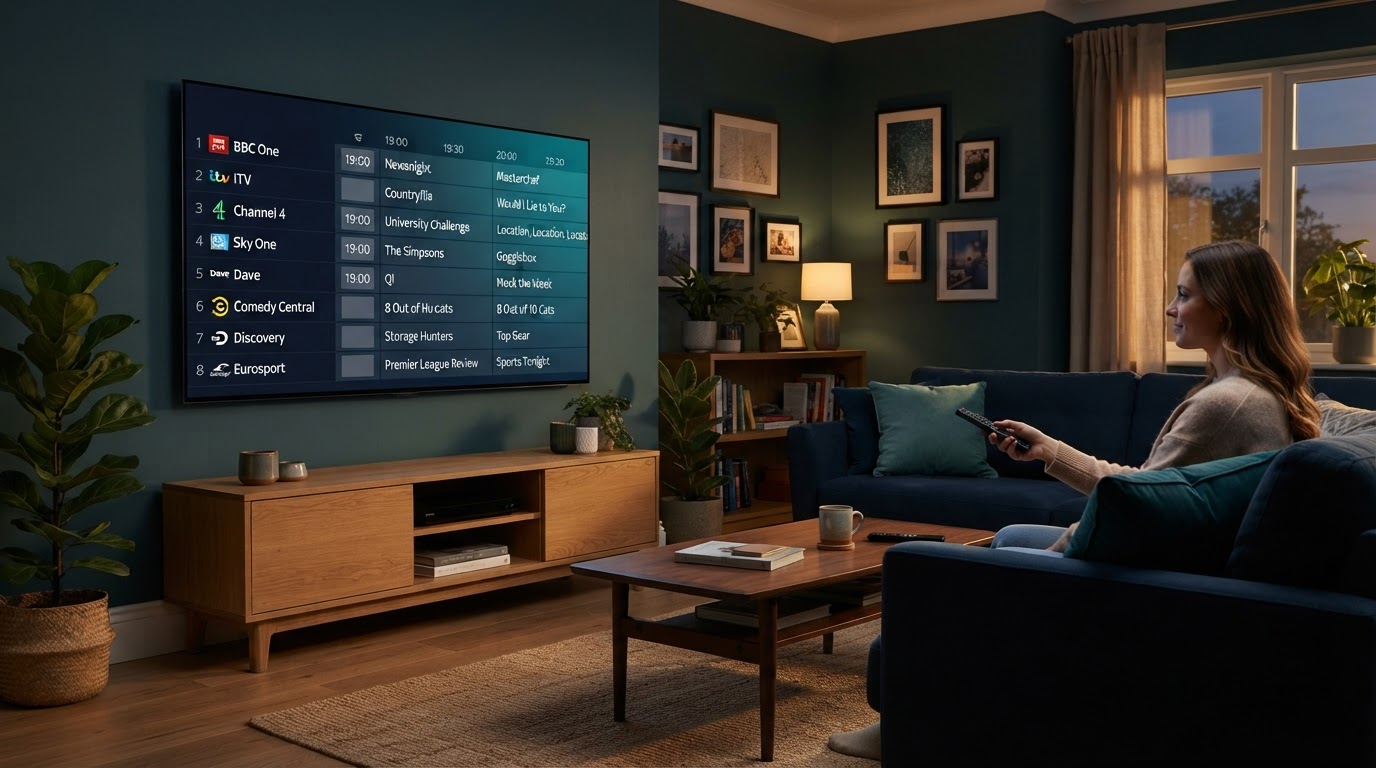
1. What Types of IPTV Channels Are Commonly Listed in the UK?
Channel catalogues are usually arranged around viewing interests. The exact selection varies by service, package, region and device, so treat category names as a guide rather than a promise that every channel will be available. When comparing a line-up, look for the groups that matter to your household instead of relying on the total number shown in a promotion.
News and current affairs
News groups may include national, regional and international coverage. Check whether the channel names and regional versions are clearly labelled.
Entertainment and factual
Entertainment, documentaries, lifestyle and factual programmes are often separated into different groups to make browsing simpler.
Sports and events
Sports categories can be divided by competition or sport. Confirm the specific channels and event coverage you expect rather than assuming a category name guarantees them.
Films and series
Some catalogues place film channels and series channels in separate sections, while others combine them with on-demand libraries.
Children and family
Family sections may group children’s programmes and general family entertainment. Check available parental controls in the player.
Music and international
Music and international groups can help viewers find language-specific or genre-specific programming without searching the full list.
Free-to-air television availability can vary by location, aerial coverage and equipment. This is a useful reminder to check regional availability separately rather than assuming that one national line-up is identical everywhere.
2. Check UK Regions and Local Channel Variations
The UK does not have one identical television line-up everywhere. Some channel names, regional news services and local programming differ between England, Scotland, Wales and Northern Ireland. A service may list a national channel but not the regional version that is most relevant to you.
Before choosing, check whether the line-up identifies regional variants clearly. If local programming matters, ask which version is supplied for your area and whether the programme guide displays the correct region. Do not rely on a generic “UK channels” label as proof that every regional feed is included.
3. How to Check an IPTV Channels UK Line-Up
A channel list is most useful when you can verify individual entries. Ask for a current sample list or a searchable channel directory, then check it against your viewing priorities. If a service offers a trial, use the time to test the features that are important to you rather than judging it from a headline channel count.
- Search for exact names: check the channel labels you actually expect to watch.
- Look for regional versions: distinguish national feeds from local or nation-specific variants.
- Check category structure: groups should be easy to understand and should not contain many confusing duplicates.
- Review the programme guide: check whether current and upcoming programme details appear against the correct channels.
- Test at different times: observe whether navigation and playback remain consistent during your normal viewing hours.
- Confirm package details: ask whether the line-up differs by plan, device limit or subscription period.
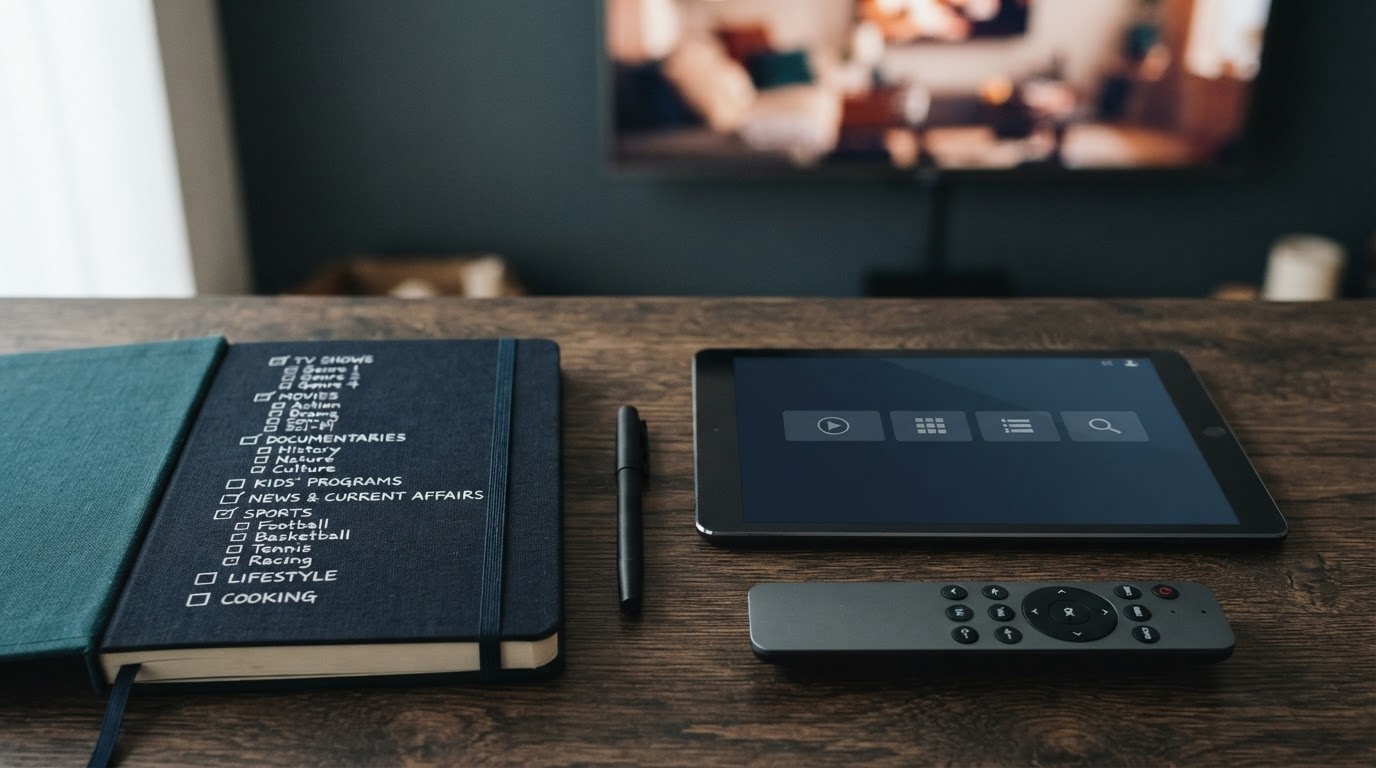
Keep a short checklist of must-have channels and nice-to-have categories. This makes it easier to compare two line-ups without being distracted by large but unclear channel totals.
4. Why the Electronic Programme Guide Matters
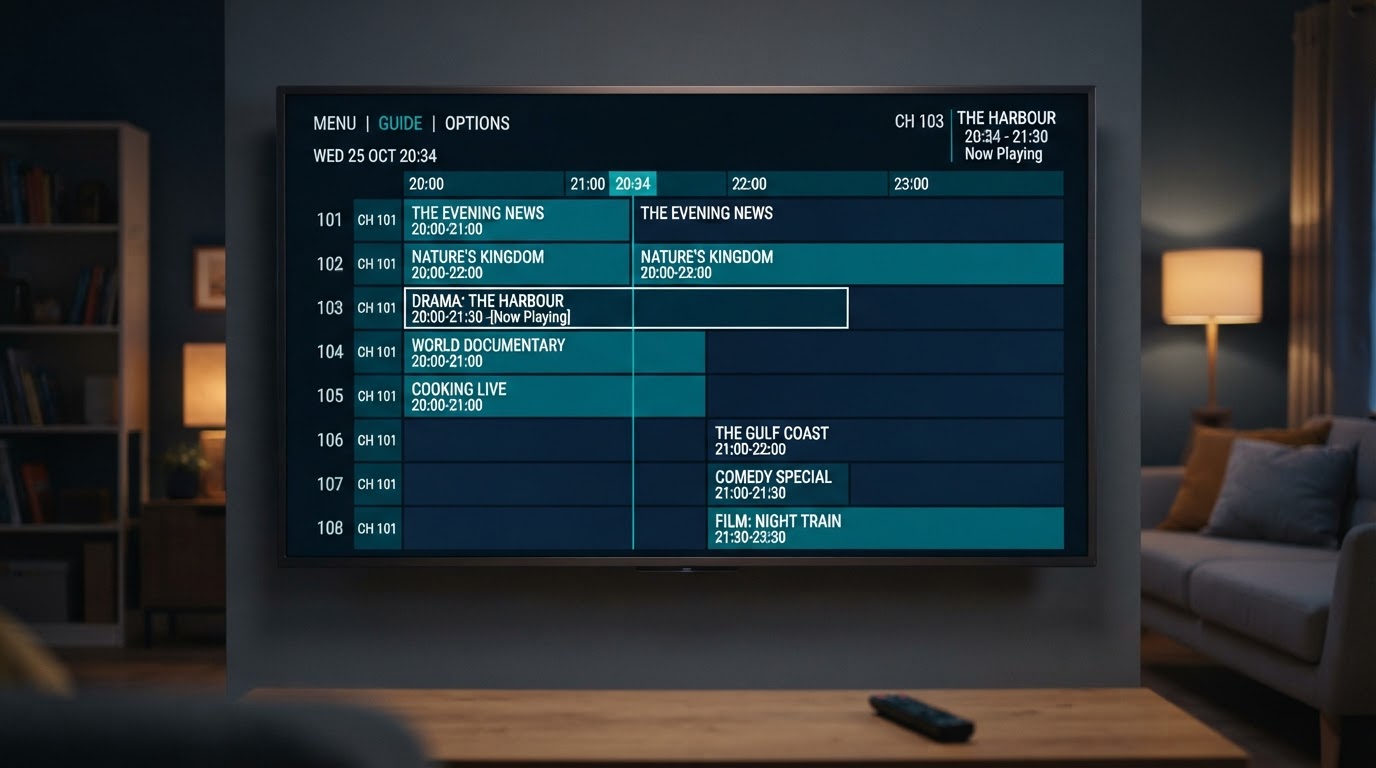
An electronic programme guide, usually called an EPG, displays programme names and schedules alongside channel entries. It can make a large catalogue much easier to use because you can see what is on now and what is scheduled next without opening each channel individually.
When reviewing a guide, check whether programme titles match the correct channel, whether times appear in the right time zone and whether the information is reasonably up to date. A blank entry may mean guide data is missing or incorrectly matched; it does not automatically prove that the channel itself is unavailable.
Accurate channel matching
Programme details should belong to the channel shown in the guide, not a similarly named entry.
Readable schedule
Times, programme titles and descriptions should be easy to read on a television screen and on smaller devices.
Useful navigation
Search, favourites and category filters help you move around a large line-up more efficiently.
Programme guides differ between platforms. When comparing an EPG, focus on whether schedule data is current, readable and matched to the correct entries.
5. Check Picture Quality and Device Support
Channel labels such as HD or 4K describe a claimed format, but the viewing result also depends on the source, your screen, the player and your internet connection. A larger resolution label does not guarantee a sharper or more stable picture in every situation.
- Confirm that your television or streaming device supports the formats you plan to watch.
- Use a compatible player and check its current feature list before installing it.
- Test playback on the same network and device you expect to use regularly.
- Check whether the app supports favourites, search, subtitles and EPG features that matter to you.
- Review the number of simultaneous connections included in the selected plan.
Our streaming device guide explains what to compare when selecting hardware, while the IPTV app guide covers useful player features.
6. Questions to Ask Before Choosing a Service
Use these questions to make the comparison more practical:
- Can I review a current channel list before choosing a plan?
- Are the channel names and regional versions clearly identified?
- Does the service provide an EPG, and how often is its information refreshed?
- Which devices and player applications are supported?
- How many devices can be used at the same time?
- What are the plan duration, renewal conditions and total price?
- Where can I find support documentation if a channel or guide entry does not work?
Compare the answers in writing so that package details are clear. If you are also comparing subscription durations, see our IPTV subscriptions page for the main subscription information.
Review your viewing requirements first
Make a short list of the channels, categories, devices and guide features you need. If you have a question about the information on this site, contact the team for clarification.
Contact IPTV for Reseller7. IPTV Channels UK – Frequently Asked Questions
What channels are usually included in a UK IPTV line-up?
Line-ups may be organised into news, entertainment, factual, sports, films, children’s, music and international categories. The exact channels depend on the service and package, so check a current list before choosing.
Are UK IPTV channels the same in every region?
No. Regional versions and local programming can differ between England, Scotland, Wales and Northern Ireland. Ask which regional feeds are included if local content matters to you.
What does EPG mean in an IPTV channel list?
EPG means Electronic Programme Guide. It displays programme titles and schedules when compatible guide information is available and correctly matched to the channels.
Does a higher channel count mean a better service?
Not necessarily. A useful line-up is one that contains the channels you want, has clear categories, accurate guide information and works reliably on your devices.
Can I use the same channel list on every IPTV app?
Not always. Apps support different formats and import methods. Check the official documentation for the player you plan to use.
Should I check a channel list before selecting a subscription?
Yes. Reviewing a current list and confirming the package details helps you understand what is included before making a decision.
Choose a Line-Up That Fits Your Viewing Habits
The best IPTV channels UK viewers can use are not defined by a headline number alone. Focus on the categories and exact channels you care about, check regional versions, review EPG accuracy and make sure your devices support the player. A clear comparison of the line-up, plan terms and everyday usability will help you make a more informed choice.