
IPTV Reseller CRM: 8 Powerful Ways to Manage Customers Better
IPTV reseller CRM is not necessarily a complicated software purchase. It is a dependable way to organise customer details, subscription records, renewal dates and support history so that routine tasks do not depend on memory or scattered chat messages.
For more information about our reseller services and resources, visit the IPTV for Resellers homepage.
A reseller panel may show account status and expiry information, but it may not contain the full customer relationship: preferred contact method, payment reference, device details or the last support conversation. A simple customer-management process fills that gap. This guide explains what to record, how to structure it and when a spreadsheet is no longer enough.
What Does an IPTV Reseller CRM Mean?
CRM stands for customer relationship management. In a reseller business, an IPTV reseller CRM is the organised record of who a customer is, which subscription or service record relates to them, what has been agreed, and what follow-up is due.
It can be a dedicated CRM application, a carefully designed spreadsheet or a customer-management feature already included in a business platform. The important point is consistency: each customer should be recorded in a predictable format, and updates should be made when something changes.
Think of the CRM as the customer-history layer, not as a replacement for the provider’s operational panel. Keep the two systems distinct and reconcile the information that needs to match.
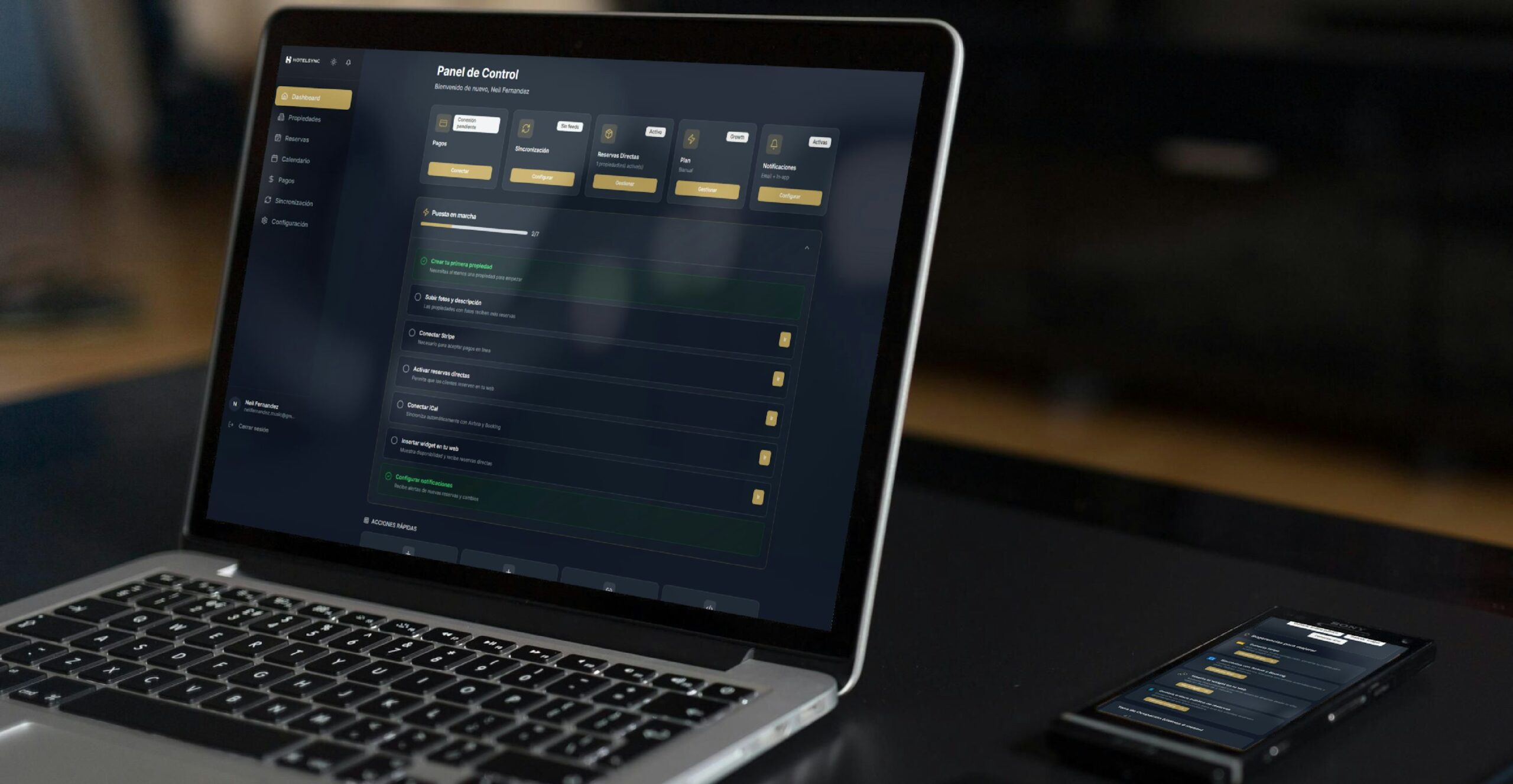
Reseller Panel vs Customer Management Records
A panel and a CRM answer different questions. The panel is usually focused on service accounts and operational status. Customer records explain the relationship around those accounts.
| Reseller panel may show | Customer-management records should show |
|---|---|
| Account or line reference | Customer reference and contact preference |
| Current status and expiry | Reminder date and follow-up status |
| Package or duration | Agreed package, amount received and payment reference |
| Technical account details | Device category, app name and support notes |
Do not assume every panel has the same features. Check its actual fields and reports before creating a second record for information it already maintains reliably. For a refresher on panel functions, see our guide to how an IPTV reseller panel fits into the reseller workflow.
8 Useful Fields for an IPTV Reseller CRM
Start with a small set of fields that answer common customer questions. Add more only when there is a clear operational reason.
1. Customer reference
Give each customer a unique internal reference, such as CUS-0104. Avoid using a service username as the customer identity: one person may have more than one subscription record.
2. Contact preference
Record the channel the customer prefers, such as email or a business messaging channel. Keep the contact details accurate and limit access to people who need them.
3. Subscription or service reference
Link the customer record to the relevant panel account using a reference that helps you locate it. Do not copy passwords or full access credentials into a general spreadsheet.
4. Package and term
Record the package name and the agreed duration in separate fields. Standardised dropdown values make it easier to filter records and avoid variations such as “12 months”, “annual” and “1 year” being treated as different products.
5. Start and expiry dates
Keep the dates in a consistent format. When a renewal or correction changes the expiry date in the panel, update the customer record immediately and note that it was reconciled.
6. Payment status and reference
Use clear statuses such as Pending, Received, Refunded or Needs Review. Store a transaction reference where appropriate rather than relying on a vague note such as “paid by transfer”.
7. Device and support context
Record only details that help resolve future questions: device category, player app name, issue summary and the date of the last support interaction. Avoid collecting technical identifiers unless they are genuinely needed for a supported task.
8. Next action
Every open customer record should make the next step clear: send a renewal reminder, confirm a payment, answer a support request or close a completed task. A short next-action field is more useful than a long paragraph of notes.
An IPTV Reseller CRM: A Simple Weekly Workflow
An IPTV reseller CRM works best when it is part of a repeatable routine. A short weekly review can reveal missing information before it becomes a customer-service problem.
- Review upcoming dates: filter records by expiry date and identify which customers need a reminder.
- Check pending items: review payments, unresolved support requests and records marked Needs Review.
- Reconcile changes: compare relevant account statuses and expiry dates with the operational panel.
- Update the history: add a brief dated note when a renewal, correction or support issue is completed.
- Set the next action: every unfinished item should have an owner and a realistic follow-up date.

How an IPTV Reseller CRM Organises Renewal Tracking
Renewal tracking should be based on the confirmed expiry date in the operational panel, not on an estimate or an old message. Choose a reminder window that gives customers enough time to respond without sending repeated messages too early.
A simple status sequence might be:
- Upcoming: expiry is approaching and no reminder has been sent.
- Reminder sent: the customer has been contacted and a response is pending.
- Confirmed: the customer has confirmed the next step.
- Renewed: the panel and customer record both show the updated term.
- Expired or closed: the record has been checked and no further action is currently due.
For an IPTV reseller CRM to remain useful, use the same labels across records so you can filter the list quickly. If your customer base grows, automated reminders may help, but test the timing and message content before relying on them.
Choosing an IPTV Reseller CRM: Spreadsheet or Dedicated Tool?
The right tool depends on the number of records, the number of people handling support and the amount of follow-up work. Do not buy software simply because the word CRM sounds more professional.
| Tool | Useful when | Watch for |
|---|---|---|
| Spreadsheet | One person manages a small, straightforward customer list | Manual updates, accidental edits and limited reminders |
| Built-in panel features | The panel already provides accurate customer and expiry views | Missing customer context or limited export options |
| Dedicated CRM | Several people share support work or follow-ups need automation | Unnecessary complexity, cost and duplicate records |
Before choosing software, list the problems you need it to solve. A CRM should make records easier to find, updates easier to maintain and follow-ups easier to complete. For general CRM concepts, see the official Salesforce CRM overview and HubSpot’s guide to keeping customer data accurate and organised.

Common IPTV Reseller CRM Mistakes to Avoid
- Relying on memory: record dates and follow-ups when they happen, not at the end of the month.
- Mixing customer and account IDs: use a separate customer reference so multiple service records can be linked correctly.
- Using inconsistent labels: standardise statuses, package names and date formats.
- Keeping long notes instead of fields: use filterable columns for important details and short notes for context.
- Forgetting to reconcile: the operational panel should be checked whenever an account changes.
- Collecting too much information: keep only the data needed for service, communication and recordkeeping, and restrict access appropriately.
If you are still evaluating the operational side of your setup, our IPTV reseller panel checklist covers the questions to ask before choosing a panel. You can also review the IPTV suppliers guide for a separate supplier-evaluation perspective.
Frequently Asked Questions
Is an IPTV reseller CRM the same as a reseller panel?
No. A reseller panel generally manages service accounts and operational details. A CRM organises customer information, communication history, payment references and follow-up tasks. Some platforms combine both, but their functions should be checked individually.
Does a small reseller need dedicated CRM software?
Not necessarily. An IPTV reseller CRM can begin as a well-structured spreadsheet for a small operation with one person and a limited number of records. Consider dedicated software when shared access, automation or reporting becomes difficult to manage manually.
What should an IPTV reseller CRM track first?
Start with a customer reference, contact preference, related account reference, package, expiry date, payment status, support notes and next action. Add fields only when they solve a recurring problem.
How often should customer records be reviewed?
Update a record whenever a relevant event occurs, such as a renewal or support interaction. A weekly review is a useful routine for upcoming dates and unfinished tasks, while expiry information should be checked against the panel after changes.
Can a spreadsheet replace a CRM?
For a small and simple workflow, yes. A spreadsheet can provide structured fields and filters, but it may become harder to maintain when several people need access or when reminders and reporting must be automated.
Final Thoughts
A useful IPTV reseller CRM is built around accurate records and a routine people can maintain. Start with the eight essential fields, keep customer information separate from service credentials, reconcile expiry dates with the panel and make the next action visible. Choose a tool that fits the work you actually do, then improve the process as your customer base and support needs change.
Building a more organised reseller operation?
Explore the reseller information on our website or contact the team with questions about the available reseller options.
For general enquiries, visit our Contact page.