
IPTV Services: What IPTV for Reseller Offers
Explore the IPTV services and tools available through IPTV for Reseller. Whether you are comparing subscription options for personal use or looking into a reseller panel, this guide explains the main areas of the website, how to find the information you need and how to request a free 24-hour trial.
IPTV for Reseller brings several service areas together in one place: subscription options for regular customers, reseller panels, server information, a credit-based reseller system and support resources. This overview of IPTV services helps visitors understand what the website offers and find the right page before making an enquiry.
Try the service for 24 hours
IPTV for Reseller offers a free 24-hour trial so interested visitors can request a short opportunity to evaluate the service before deciding what option may suit them. Contact the team to request trial access and confirm the setup details for your device.
Request a Free 24-Hour TrialWhat IPTV for Reseller offers
The IPTV services website is organised around two main visitor needs. Regular subscribers can review available subscription durations, while people interested in reseller options can explore panel information, server choices and the credit system. Supporting pages explain how the process works and where to ask questions.
Subscription options
Review available durations and compare the published subscription choices on one page.
View subscriptionsReseller panels
Explore the reseller programme and learn what to ask about panel access, account management and credits.
Become a resellerServer information
See the server options presented on the website and contact the team for current specifications.
Explore server options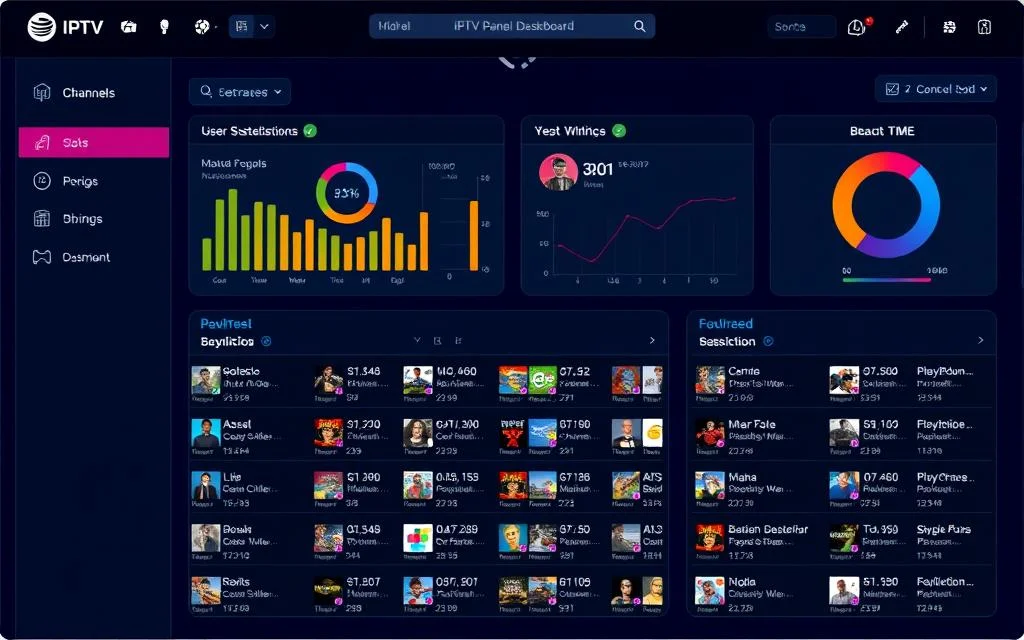
The reseller panel is one of the main service areas available through the website.
Options for regular subscribers
Visitors looking for IPTV services for regular customers, rather than a reseller account, can start with the dedicated IPTV Subscriptions page. It presents the available subscription durations and helps visitors compare the options before contacting the team.
Before choosing, review the listed duration, price, supported setup information and any conditions shown on the subscription page. If you are unsure which option matches your requirements, use the Frequently Asked Questions page or contact support for clarification.
Reseller panels and the credit system
For visitors interested in reselling, IPTV for Reseller provides reseller-focused IPTV services, including a reseller panel and a credit-based approach to managing customer subscriptions. The homepage describes a straightforward credit system and a dashboard intended to help resellers manage customer activity.
What the reseller panel is for
- Managing customer accounts through a central panel.
- Using credits when creating or renewing eligible customer subscriptions.
- Reviewing account information and keeping customer administration organised.
- Discussing panel options and setup requirements with the support team.
Understand credits before choosing a panel
Credit quantities, package details and current pricing should be confirmed before placing an order. Visit the Become a Reseller page for programme information, then contact the team if you need clarification about panel access, credit quantities or the setup process.
New to the reseller programme? Start with the overview, write down your expected requirements and ask the team to confirm the current panel and credit details before you make a decision.
Explore the Reseller ProgrammeServer information
The IPTV Server Network page introduces the server options listed as part of the IPTV services available through the website. It is the right place to begin if you want to compare the available options before making an enquiry.
Device compatibility is another practical point to check before choosing a setup. App availability can differ between a television and a phone, even when both use related software. For general background, see Google’s Android TV overview and the manufacturer guidance on checking which apps are compatible with Android TV and Google TV. These independent resources help explain device-level compatibility; they do not replace confirmation of the details for a specific service or device.
Server specifications and availability can change. For that reason, use the page as an introduction and ask the team to confirm current details that matter to your intended setup rather than relying on old screenshots or third-party descriptions.
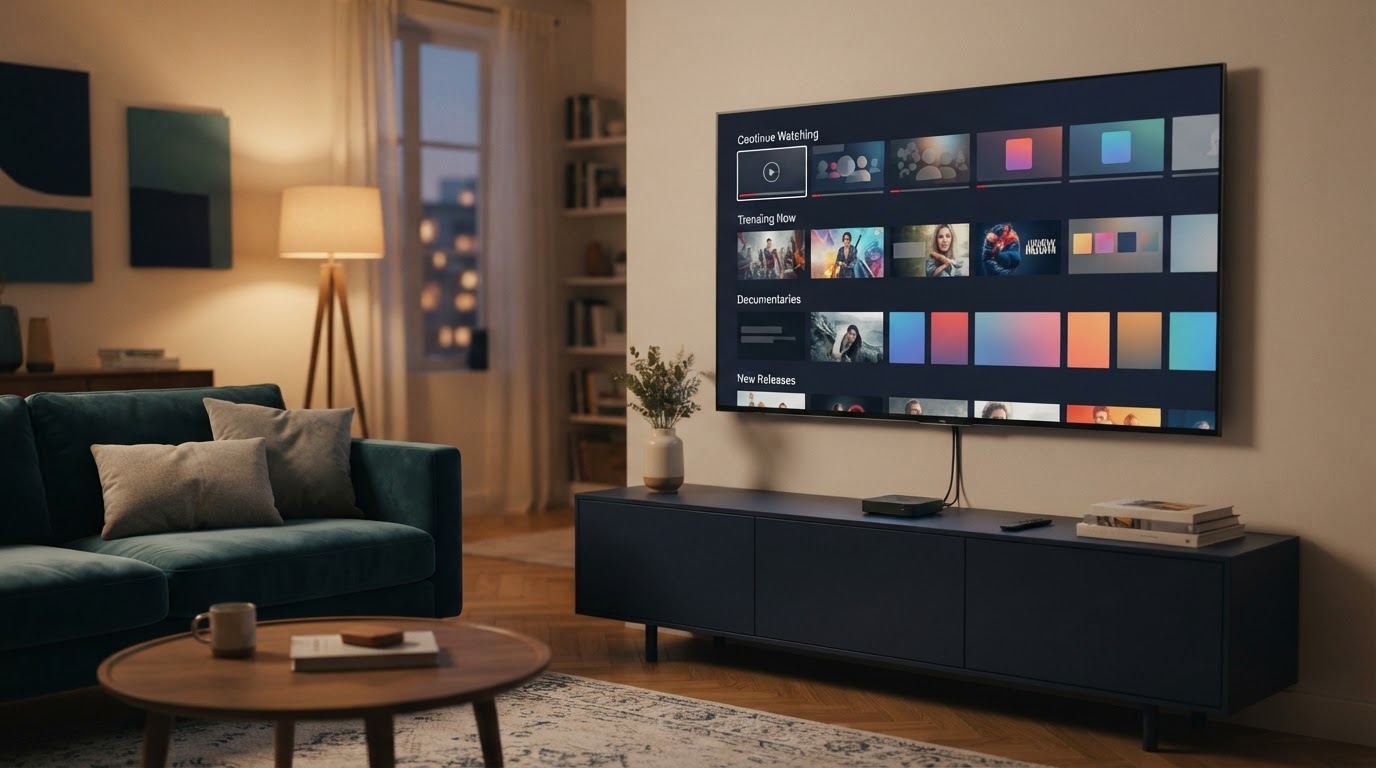
Check device and setup requirements before requesting access.
How the free 24-hour trial works
One of the IPTV services highlighted on this website is a free trial lasting 24 hours. The trial gives interested visitors an opportunity to evaluate the service before deciding whether to continue. To request it, contact the team through the official Contact page.
- Open the Contact page using the link below.
- Tell the team that you would like to request the free 24-hour trial.
- Share the device type you intend to use so the team can explain the relevant setup steps.
- Ask any questions about the trial conditions, access details and what happens when the 24-hour period ends.
The trial period is 24 hours. Confirm the exact start time and any setup requirements with the team when access is arranged.
Request Your 24-Hour TrialHow to get started on the website
If you are a regular subscriber
- Visit the subscription page.
- Review the available durations and details.
- Check the FAQ page for common setup and order questions.
- Contact the team if you need help before choosing.
If you are interested in becoming a reseller
- Read the reseller programme overview.
- Explore the server information.
- Ask the team to confirm panel options, current credit packages and setup details.
- Review the payment information and confirm the details before making a payment.
Support and useful pages
These pages provide the main routes through the IPTV services website. Use them to find details or contact the team directly.
- Home — start here for an overview of IPTV for Reseller.
- IPTV Subscriptions — review options for regular subscribers.
- Become a Reseller — learn about the reseller programme.
- IPTV Server Network — review the server information listed on the site.
- FAQ — find answers to common questions.
- Support Center — find support information.
- Payment Information — review payment guidance.
- Contact — ask a question or request the free 24-hour trial.
- About — learn more about the website.
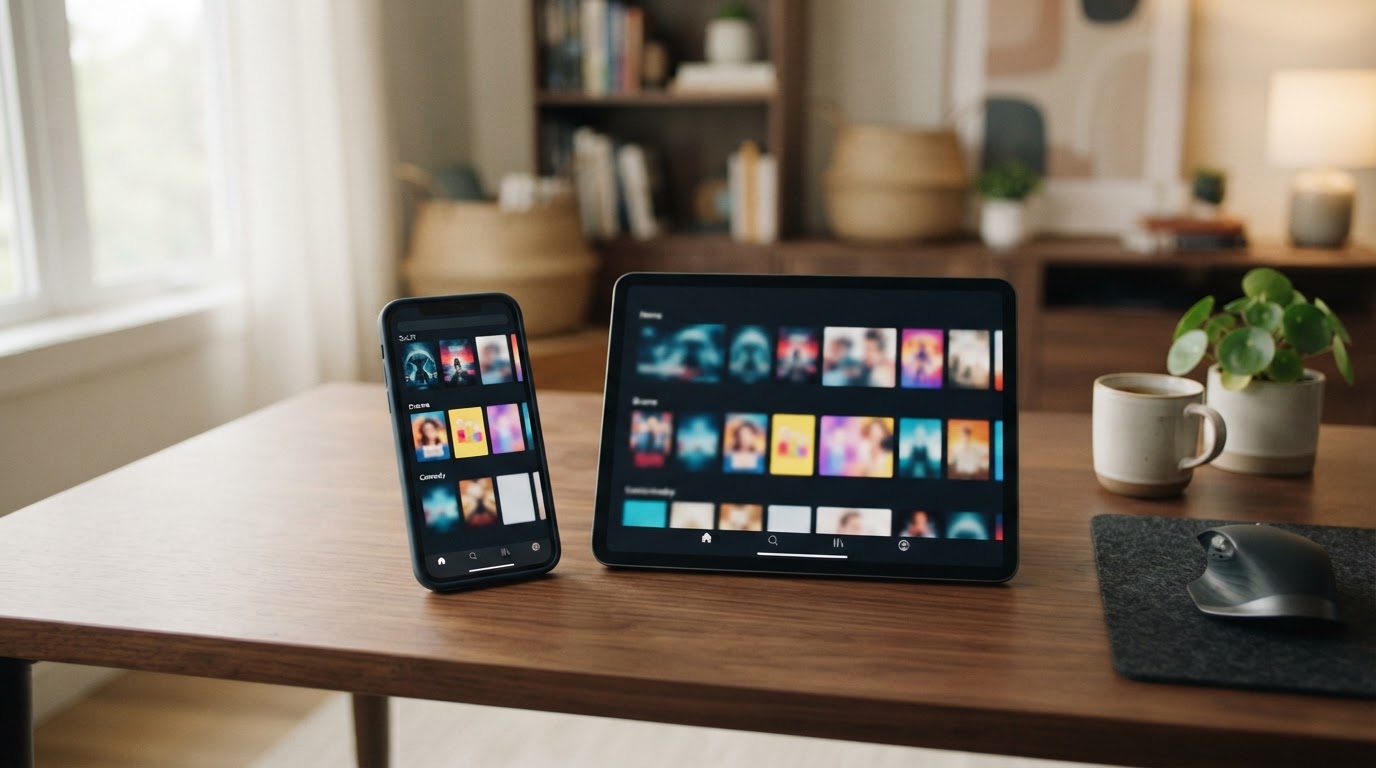
Use the official website pages to check current information and contact details.
Frequently asked questions
What does IPTV for Reseller offer?
The IPTV services available through the website bring together subscription options for regular customers, reseller panel information, a credit-based reseller system, server information and customer support resources.
Does IPTV for Reseller offer a free trial?
Yes. The website offers a free 24-hour trial. Contact the team through the official Contact page to request access and confirm the setup details.
Where can I compare subscription options?
Visit the IPTV Subscriptions page to review the available durations and details.
Where can I learn about reseller panels?
Start with the Become a Reseller page. You can then contact the team with questions about panel access and credits.
Where can I find server information?
The IPTV Server Network page introduces the options listed on the website. Confirm current availability and specifications with the team.
How can I contact support?
Use the Contact page or visit the Support Center.
Explore IPTV for Reseller
IPTV for Reseller provides separate information for regular subscribers and people interested in reseller options. Explore the relevant pages, review the current details and contact the team if you need clarification. If you would like to evaluate the service first, request the free 24-hour trial.
Visit the HomepageContact the Team